A Practical Guide To Noise Cancelling Headphones For A Quieter Workday
A practical step-by-step guide to a practical guide to noise cancelling headphones for a quieter workday, including preparation, instructions, common issues, tips, and next steps.
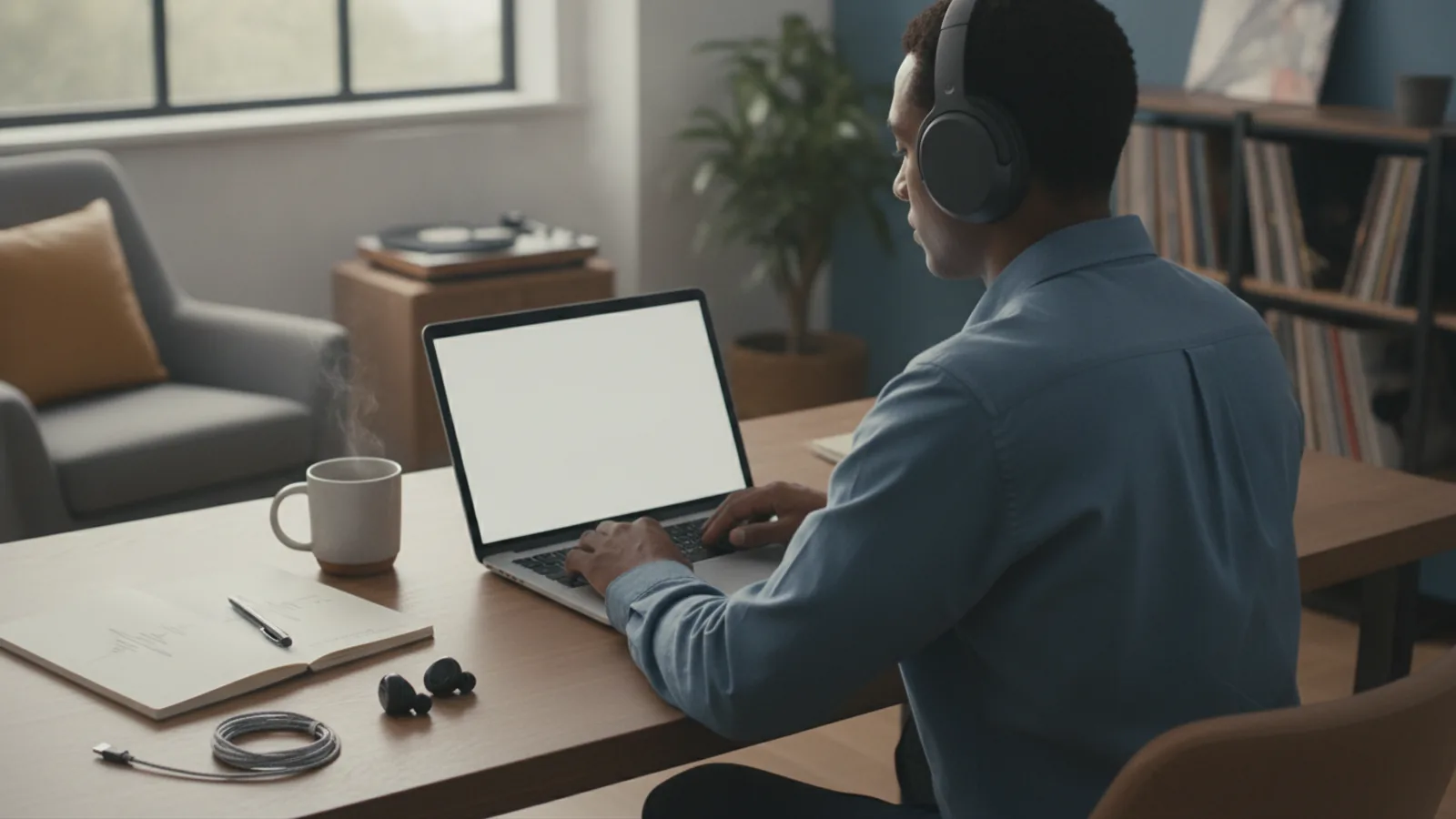
A Practical Guide To Noise Cancelling Headphones For A Quieter Workday
This guide explains how to use noise cancelling headphones to create a quieter, more focused work environment, covering selection, setup, daily use, and maintenance, with practical steps for reducing distractions and improving productivity.
Fast Answer
- Noise cancelling headphones use microphones and processors to generate inverse sound waves that cancel ambient noise, making them ideal for open offices and home workspaces.
- To get the most benefit, ensure a proper fit, use the right ear tip size, and combine with your own music or white noise to mask remaining low-frequency hums.
Before You Start
- Measure your noise environment: identify the main sounds (keyboard clicks, traffic, HVAC) and how often they occur to decide whether active noise cancelling or passive isolation matters more.
- Check your headphone's battery or charge status and understand the control layout (buttons, touch gestures) for toggling active noise cancelling and transparency modes.
- Set up your listening area in advance: arrange your seat, desk, and phone so you can comfortably wear headphones for extended sessions without neck or ear strain.
- Prepare a short audio playlist of steady, non-distracting music or white noise, and have a backup like earplugs or well-fitting eartips in case you need extra isolation.
Step-by-Step Instructions
Assess Your Work Noise Profile
Your first move is to identify what sounds actually disrupt your concentration. For one workday, keep a small notebook or a digital note on your phone, and every time a noise pulls your attention, jot down the time, the type of sound, and whether it is continuous or sudden. Do this for at least three normal workdays. You are looking for patterns: maybe it is the office printer that fires every hour, or the rumble of a nearby road that is always there. Note whether the noise is low-pitched (like an air conditioner) or high-pitched (like a phone ring). This check matters because noise cancelling technology is most effective at steady low-frequency hums; it does less against irregular, high-pitched sounds. If your main distractions are voices or keyboards, you may need additional acoustic isolation or perhaps a white-noise machine. After collecting your notes, rank the top three most frequent noises. This becomes your target list, so you can then choose the right headphone features and set your expectations realistically. Without this assessment, you might buy a pair with fancy specs but still miss the sounds that actually break your focus.
Fit Your Headphones Properly
The effectiveness of noise cancelling depends greatly on how well the headphones seal around your ears or fit in your ear canals. Start by adjusting the headband so that the ear cups fully cover your ears without pressing too hard; the cushions should create a gentle seal all the way around. For in-ear models, try the different sizes of ear tips that came with the product, and test each size by speaking aloud: if your own voice sounds boomy, the tip is too large; if you hear background noise, it may be too small. Once you think the fit is right, turn on the active noise cancelling and listen to a steady fan sound. You should hear a dramatic reduction in the rumble. If you still hear a lot, try reseating the ear cups or moving the microphone ports (usually tiny holes on the outside) so they are not blocked by hair or clothing. This check matters because an improper seal can cut noise reduction by half or more, even with premium electronics. A good seal also improves comfort by spreading pressure evenly, so you can wear them for longer without pain. Take a few minutes to really tune the fit before you start work; it pays off in both silence and comfort.
Learn the Controls and Modes
Before you start your work session, spend ten minutes with the instruction manual to learn all the buttons, gestures, and voice prompts. Most noise cancelling headphones have a dedicated button or touch control to cycle through standard modes: noise cancelling on, transparency or ambient mode (which lets in outside sounds), and sometimes a 'voice aware' mode that reduces noise only while you speak. Look for the exact way to change volume, skip tracks, pause, and answer calls. Practice these actions while wearing the headphones so you can do them without looking. Also check if there is an app or settings page where you can adjust the level of noise cancelling (some offer adjustable intensity) or set a favorite mode. This check matters because in a busy workday, you often need to quickly switch from full isolation to transparency—for example, when a colleague approaches or you have to hear a delivery person. If you fumble with controls, you'll be more likely to leave the wrong mode on, missing important sounds or feeling isolated when you shouldn't be. Knowing your controls also lets you turn off noise cancelling when you don't need it, which can extend battery life and reduce pressure on your ears. Keep the manual handy until you are confident, but ideally you'll learn the basics in one sitting.
Set a Baseline Volume and Sound
Once your headphones fit well and you know the controls, you need to set a 'baseline' audio for your work. This is the volume and type of sound you will play to mask any remaining ambient noise and to give your brain a consistent, non-distracting input. Start with no audio at first, and slowly increase volume until you reach a level that feels just a bit above what you need to hear the music or white noise clearly. For most people, that is about 60% of maximum on the device volume, but this depends on your hearing and the headphones' efficiency. Choose a sound that is steady and without sudden changes: soft electronic music, ambient rain, or even silence with neural noise. Avoid playlists with vocals or heavy bass, as these can be more distracting. Once you set the volume, note the level on your device so you can match it each day. This check matters because if you set the volume too high, you risk hearing damage and you'll be less aware of important sounds around you. Too low, and you'll still hear the office chatter. A consistent baseline also helps your brain adapt and tune out the audio, making it more effective over time. You can adjust later if needed, but starting with a fixed point helps you notice when your environment changes.
Use Transparency Mode for Conversations
In the middle of a busy workday, you will need to talk to colleagues, answer quick questions, or hear an important announcement. Instead of taking off your headphones each time, use the transparency or ambient mode. This mode activates the external microphones to let in outside sounds while you keep the headphones on. When a conversation is brief (less than two minutes), simply tap the control to turn on transparency, speak, and then tap again to return to noise cancelling. For longer meetings or calls, you can leave transparency off and use the headphone's microphone for voice calls, but be aware that your voice may sound different in a call. If you have a dedicated button for transparency, practice using it so you can switch without interrupting your flow. This check matters because taking your headphones on and off repeatedly not only wastes time but also disrupts the soothing quiet you have established, and it can cause discomfort. By staying in transparency mode for short interactions, you maintain contextual awareness without fully re-entering the noisy office. Keep in mind that transparency does not amplify sounds evenly; it may be less natural than removing the headphones, but it works well for typical workplace exchanges. If someone is far away, you may still need to catch their attention or step closer.
Maintain and Store Your Headphones
Your noise cancelling headphones are a piece of equipment that needs regular care to keep working well. At the end of each day, inspect the ear cushions or ear tips for dirt, sweat, and debris, and wipe them with a soft, dry cloth. If they are removable, you can gently wash them with mild soap and water, but always check the manufacturer's guide first. Also check the microphone openings for clogging, because if they are blocked, the noise cancelling performance drops. Store your headphones in their carrying case to protect them from dust, pressure, and temperature changes. Keep the firmware updated (if your headphones have an app) to get performance improvements and bug fixes. Every few weeks, test your headphones against a known noise source (like a fan) to see if noise cancelling is still effective. This check matters because a clean headphone not only performs better but also lasts longer, saving you money and preserving the quiet you've come to rely on. Additionally, a well-maintained battery (follow the recommended charging practices) ensures you aren't caught with a dead pair in the middle of a focus block. Remember that even the best headphones degrade with heavy use, so a little preventive care goes a long way.
Quick Reference
| Situation | Action | Why it helps |
|---|---|---|
| A colleague walks up and starts talking to you while you are deeply focused. | Quickly switch from noise cancelling to transparency mode using your headphone's control, maintain eye contact, and participate in the conversation. After it's over, switch back to noise cancelling. | This preserves your concentration by not requiring you to remove the headphones and disrupt your auditory setup, while also being polite and attentive. |
| You notice that you still hear keyboard clicks or sharp sounds even with noise cancelling on. | First, reseat the ear cups or ear tips to ensure a good seal. If that doesn't help, add a low-volume white noise track to your audio to mask the high-frequency sounds. | Noise cancelling primarily works on low-frequency noise; adding a gentle masking sound helps cover the remaining high-frequency noise that the cancellation can't eliminate. |
| You are on a video call in a noisy home environment and need to speak clearly without background noise. | Use the headphone's microphone (ensure it's selected as the input device in your call settings) and, if possible, turn on 'voice isolation' or 'noise suppression' feature in the call software. Also, reduce echo by speaking softly and staying close to the microphone. | This minimizes the ambient noise that your microphone picks up, making your voice clearer to the other participants and reducing distractions for you during the call. |
Common Issues
- Noise cancelling seems ineffective, and you still hear low-frequency hums like an air conditioner.: Check the ear seal by doing a quick 'balance' test: speak aloud and see if your voice sounds hollow. If it does, adjust the ear cup or eartip size. Also ensure the headphone's microphones are not blocked by hair or clothing. If the issue persists, try resetting the headphones (as per manual) and verify that the firmware is updated.
- You experience discomfort or ear fatigue after wearing the headphones for a few hours.: Take a break and remove the headphones for 5-10 minutes every hour. Adjust the headband to distribute pressure more evenly, and consider using ear tips that are a different size or made of softer material. For over-ear models, try tilting the ear cups slightly to relieve pressure on specific points.
- You have trouble switching between modes, or the controls are not responding correctly.: First, check the battery level, as some functions may become unresponsive at very low battery. Then, consult the manual to ensure you are pressing the right buttons or using the correct touch gestures. If the issue continues, try resetting the headphones to factory settings, but note that this may erase custom settings. If you still have trouble, contact the manufacturer's support.
Advanced Tips
- Use 'adaptive noise cancelling' (if available) to let the headphones automatically adjust to your environment, which can save battery and reduce pressure changes, but be aware that it may not react instantly to sudden noises.
- Try listening to binaural beats or isochronic tones at low volume while wearing noise cancelling headphones; these can enhance focus for some people, but experiment to see if they help you personally.
- If you work in a shared space, announce to colleagues that you wear noise cancelling headphones to focus, and agree on a non-verbal signal (like a hand wave) to get your attention without startling you.
Final Checklist
- I have identified the top three noises that distract me at work and understand how noise cancelling addresses them.
- I have fit my headphones properly (ear cups or ear tips) and can wear them comfortably for at least two hours.
- I have practiced switching between noise cancelling and transparency modes without looking at controls.
- I have set a baseline audio volume and chosen a non-distracting sound, and I know how to adjust it if needed.
FAQ
Will noise cancelling headphones block all sounds?
No, they are most effective at reducing constant low-frequency sounds like hums from HVAC or traffic. They do not block all high-pitched sounds, like voices or alarms, especially sudden ones. To mask these, you can play soft background audio at a low volume. Always remain aware of important sounds like fire alarms or announcements.
Can I use noise cancelling headphones for phone calls and meetings?
Yes, most models have built-in microphones and support calls. However, the noise cancelling feature primarily works on the sound entering your ears, not necessarily on the microphone. For better call clarity, ensure the microphone is positioned correctly and consider using the headphone's transparency mode during calls so you can hear your own voice naturally, preventing you from speaking too loudly.
Do I need to play music for noise cancelling to work?
No, active noise cancelling works by generating inverse sound waves, so it functions even when you are not playing audio. However, playing a low-volume white noise or ambient track can help mask sounds that the noise cancelling cannot eliminate, such as irregular high-pitched noises. Start with no music and see if the silence is enough; if not, add a subtle, non-vocal sound.