What To Check Before Choosing Noise Cancelling Headphones For A Quieter Workday
A practical step-by-step guide to what to check before choosing noise cancelling headphones for a quieter workday, including preparation, instructions, common issues, tips, and next steps.
What To Check Before Choosing Noise Cancelling Headphones For A Quieter Workday
Choosing noise cancelling headphones for a quieter workday involves more than picking a popular model. This guide explains the key checks to perform before buying: understanding your noise environment, verifying the type of noise cancelling (active vs passive), checking comfort and fit, evaluating battery life and controls, assessing connectivity and multipoint, and considering durability and portability. Each step ensures you select headphones that effectively reduce distractions, fit comfortably for long wear, and integrate smoothly with your daily work routine, ultimately helping you focus without interruption.
Fast Answer
- First, identify whether you need to block constant low-frequency noise (like fans or traffic) or variable chatter; if constant, active noise cancelling is essential, if chatter, consider additional passive isolation.
- Second, prioritize comfort and fit by testing the headphones for at least 20 minutes, checking clamp force, ear cushion material, and weight, because long workdays require comfortable wear to avoid fatigue and headaches.
Before You Start
- List the main noise sources in your workspace: hum of appliances, people talking, traffic, or sudden sounds. This helps you know which frequencies you need to cancel.
- Decide how many hours per day you will wear the headphones; this informs battery life requirements and comfort needs.
- Set a realistic budget, but avoid focusing solely on price; consider long-term value in durability and features.
- Think about which devices you will connect, such as a laptop, phone, or tablet, to ensure the headphones support the right Bluetooth profiles or cables.
Step-by-Step Instructions
Identify Your Dominant Noise Type
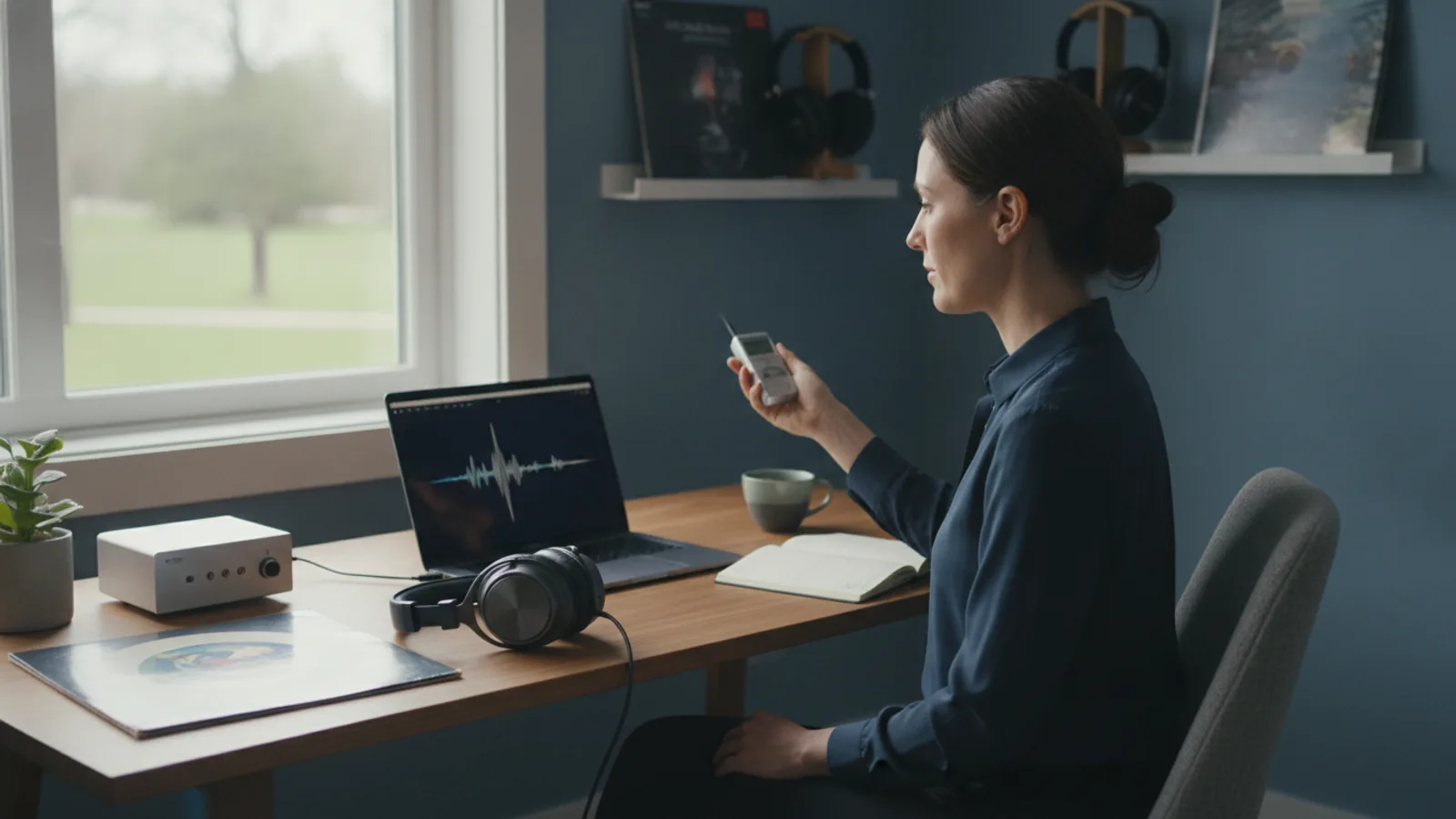
Start by spending a normal workday paying attention to the sounds around you. Note if the noise is constant, like a fan or road traffic, or if it’s intermittent, like colleagues talking or doors closing. This distinction matters because active noise cancelling (ANC) is most effective at reducing steady, low-frequency sounds, while passive isolation (ear muffs or tight seals) helps block higher-pitched chatter. Put on your current headphones and see what leaks through. If you struggle to hear what type of noise bothers you, record a short audio clip on your phone during a typical work period and listen back. Once you know your dominant noise, you can prioritize ANC strength over other features. For example, if you work near a busy road, you need strong ANC; if you work in an open office, you also need good passive isolation. This step prevents you from buying a model that cancels the wrong frequencies.
Evaluate the Ear Seal and Fit
The physical fit of the headphones determines how well they isolate sound. Put on the headphones and gently move your head, speak, and chew to feel if the ear cushions remain sealed. For over-ear models, the ear cups should fully enclose your ears without pressing too hard. For in-ear models, try different ear tip sizes to get a snug seal. A poor seal means noise cancelling works at a fraction of its potential, and you might turn up the volume to compensate, which can strain your ears. Take a minute to check the clamp force: if it feels too tight after a few minutes, it may cause headaches. Also, consider the weight; heavier headphones can cause neck fatigue. If possible, wear them for at least 20 minutes while doing a task like reading to simulate your usual work. Remember that fit is personal, so what works for a friend may not work for you. Bringing your glasses or taking off a hat when trying them is a good idea, as these can break the seal.
Check the Battery Life with ANC On
Look up the rated battery life when noise cancelling is active, but treat that number as an ideal. Real usage often drains faster due to volume, wireless, and features. To gauge, plan to use the headphones with ANC on for your full workday until they batteries die, then see how many hours you actually get. If you often work more than eight hours, choose a model that lasts at least ten hours on a single charge. Also, consider how you will recharge: some models have quick-charge features that give an hour or more from a short charge, which is handy for a busy day. Look for a battery indicator that is easy to read, either on the earcup or in a companion app. Be mindful that battery life decreases over time as the battery ages. If you can, check the manufacturer’s documentation for the battery capacity, but don’t rely solely on specifications. Instead, read user reviews to see real-world battery life.
Assess the Transparency or Awareness Mode
Most noise cancelling headphones include a mode that lets in outside sound, often called transparency or awareness. This is useful for talking to colleagues without removing the headphones. Try this mode in a quiet room and in a noisy room to see how natural it sounds. Some models let you adjust the level of external sound or even switch automatically when you start speaking. Test how quickly you can toggle between noise cancelling and transparency, as a quick switch is convenient during meetings. Also, check if the headphones have a physical button or touch control for this, and how easy it is to use while you are working. If the transparency mode sounds tinny or muffled, it may not be useful for casual conversations. Remember that using transparency reduces the noise cancelling effect, so be careful in extremely noisy environments. This step ensures you don't end up with headphones that isolate you completely when you need to interact.
Verify Multipoint Connectivity and Range
If you switch between a laptop, phone, and tablet during your workday, multipoint connectivity lets you pair with two devices at once. Check the specifications to see how many devices can be paired simultaneously, and test switching between them by playing audio on one and then the other. Also, test the wireless range by leaving your phone in your room and walking to another room with the headphones on. If you need to step away, good range means you won't lose connection. Do not rely on the advertised range; invest a few minutes to test it in your own space. Look for settings that allow you to prioritize which device gets the audio, as some models might auto-switch unexpectedly. Additionally, check the latency, especially if you watch videos or make calls; a noticeable delay can be frustrating. All these features should work without constant manual reconnection.
Inspect Build Quality and Portability
Since you will use the headphones daily, they need to be sturdy and comfortable to carry. Examine the hinges, sliding bands, and cable connections (if wired). Bend the ear cups gently to see if they feel flimsy or squeak. Look at the materials: plastic is lighter but may break, while metal is durable but heavier. Decide if you need a carrying case; many models include one, but verify that it is protective enough for your commute. If you travel a lot, consider foldable designs that take less space. Also, check the ear cushion replacement ease; over time, cushions wear out and can be replaced, so knowing that part availability is good can extend the life of your headphones. Finally, test the controls: are the buttons positioned naturally, and do you accidentally press them when adjusting the headphones? These small details affect daily comfort.
Quick Reference
| Situation | Action | Why it helps |
|---|---|---|
| You work near a constant hum from an air conditioner or fan. | Choose headphones with strong active noise cancelling that specifically targets low-frequency sounds, and pair them with a good ear seal. | Active noise cancelling cancels steady low-frequency noise more effectively than passive methods, reducing fatigue and helping you focus. |
| You often have conversations with colleagues while wearing your headphones. | Select a model with an easy-to-activate transparency mode that lets in outside sound clearly, and test the button location. | Transparency mode lets you communicate without fully removing headphones, but a poor implementation makes conversations awkward and defeats the purpose. |
| You switch between your laptop and phone several times each day. | Check the headphones support multipoint connection to at least two devices, and pair them to both before your workday starts. | Multipoint allows quick audio source switching without repeated pairing, saving time and reducing interruption when you move between tasks. |
Common Issues
- Noise cancelling seems weaker than expected even in a noisy room.: First, ensure the ear tips or cushions create a proper seal; try different sizes or adjust the ear cups. Also, update the headphone firmware if possible. If the issue persists, test the headphones on another device to rule out device issues.
- The headphones cause discomfort or headaches after an hour of use.: Check the clamping force and weight; if they are too tight, consider returning for a lighter model or one with softer cushions. Take breaks every hour to rest your ears and head, and if the pain continues, consult a professional.
- Battery life does not match the advertised hours.: Reduce volume, avoid using features like EQ that increase power consumption, and make sure the battery is fully charged. If the battery drains quickly even with light use, contact support as the battery may be defective.
Advanced Tips
- Try listening to pink noise at low volume to mask irregular sounds together with noise cancelling, which can improve focus in tricky environments.
- Invest in high-quality ear tips or custom-molded tips for in-ear models, as they dramatically improve passive isolation and comfort.
- Set a schedule to take breaks every 60 minutes to give your ears rest and prevent overexposure to noise, even with clever headphones.
Final Checklist
- I have identified the primary noise type in my workspace and considered it in my choice.
- I have tested the headphones for at least 20 minutes to ensure a comfortable, secure fit without pressure or heat.
- I have verified that the battery life with ANC covers more than my longest workday, and that charging is practical.
- I have confirmed that the headphones support multipoint if I need to connect to multiple devices, and I know how to switch modes.
FAQ
What is the main difference between active and passive noise cancelling?
Active noise cancelling uses microphones and speakers to produce sound waves that cancel incoming noise, especially low-frequency hums. Passive noise cancelling is physical isolation from ear cushions or seals, blocking high-frequency sounds. Both work together; no ANC is fully effective without a good seal.
How can I test if the noise cancelling works without an actual noisy environment?
Use a noise generator app that plays pink or white noise through a speaker, or simply put on the headphones in a noisy room like a street. Some stores have demo areas with simulated office noise. Also, you can try covering your ears with the headphones off to feel the passive isolation.
Will noise cancelling headphones make me less aware of my surroundings?
Yes, with strong ANC you may not hear environmental sounds like footsteps or alarms. This is a safety trade-off. Many models offer transparency mode to let in sound when needed, or you can remove the headphones when you need full awareness.